
I do not know how I ended up with 2500 photos!!!! Some of the photos have 5 copies of it as those are ones my daughter has selected for herself. So, I figured if she wanted one, maybe the others would want one too!!!! There are a handful that have 2 copies. I’m not sure what I’m going to do with those extras but I’m sure I will figure it out.

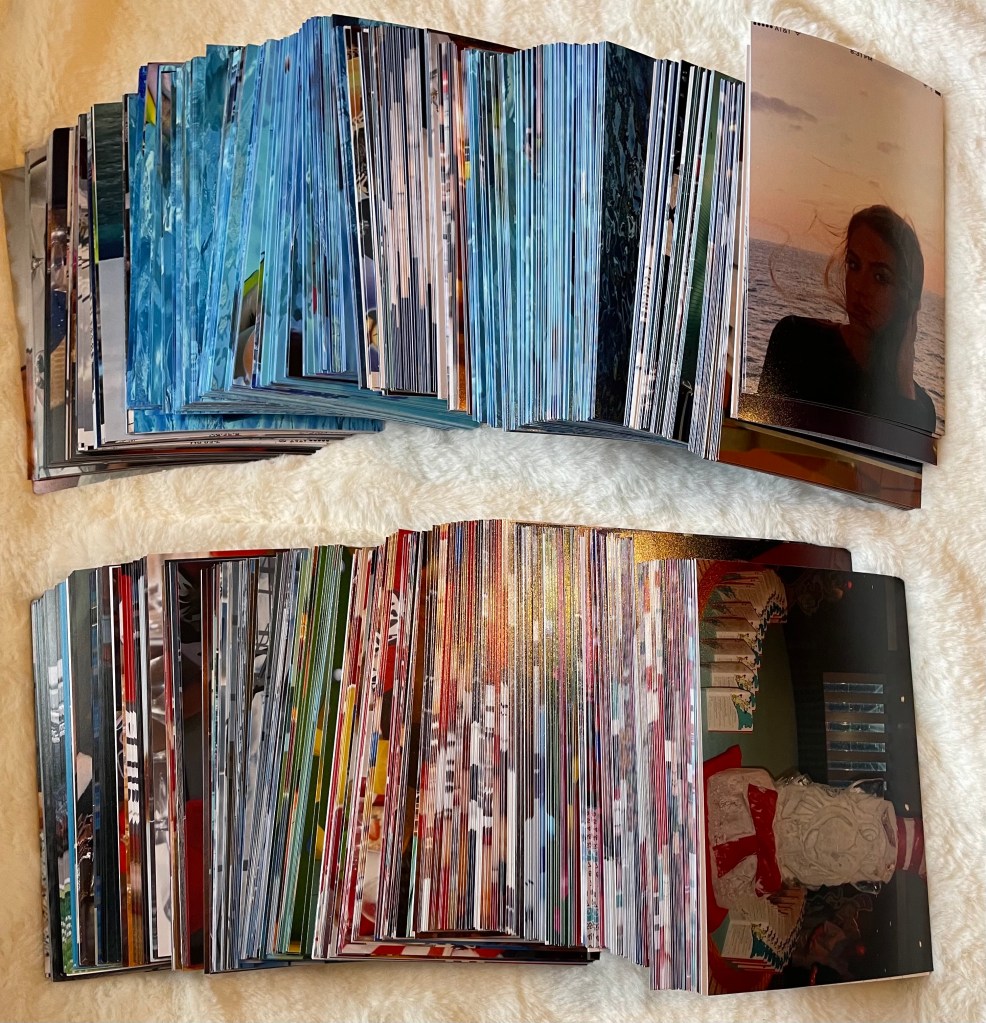
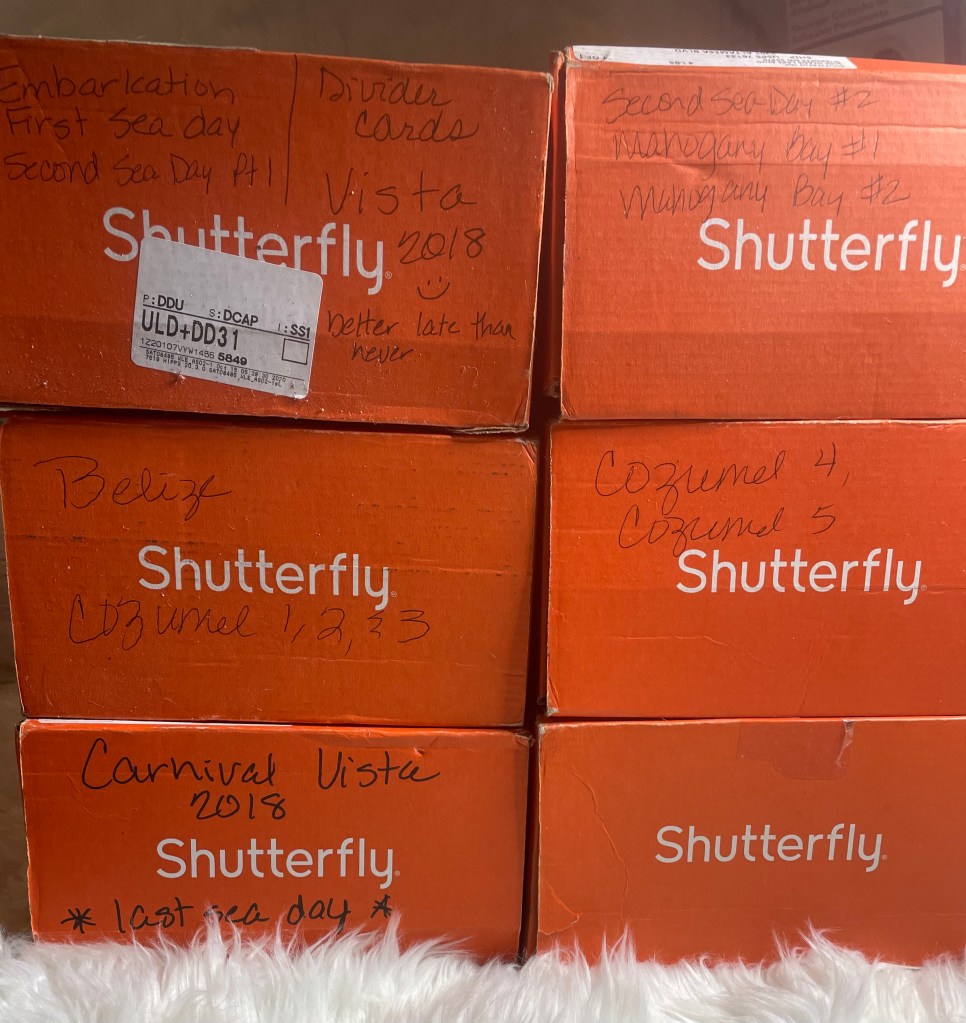
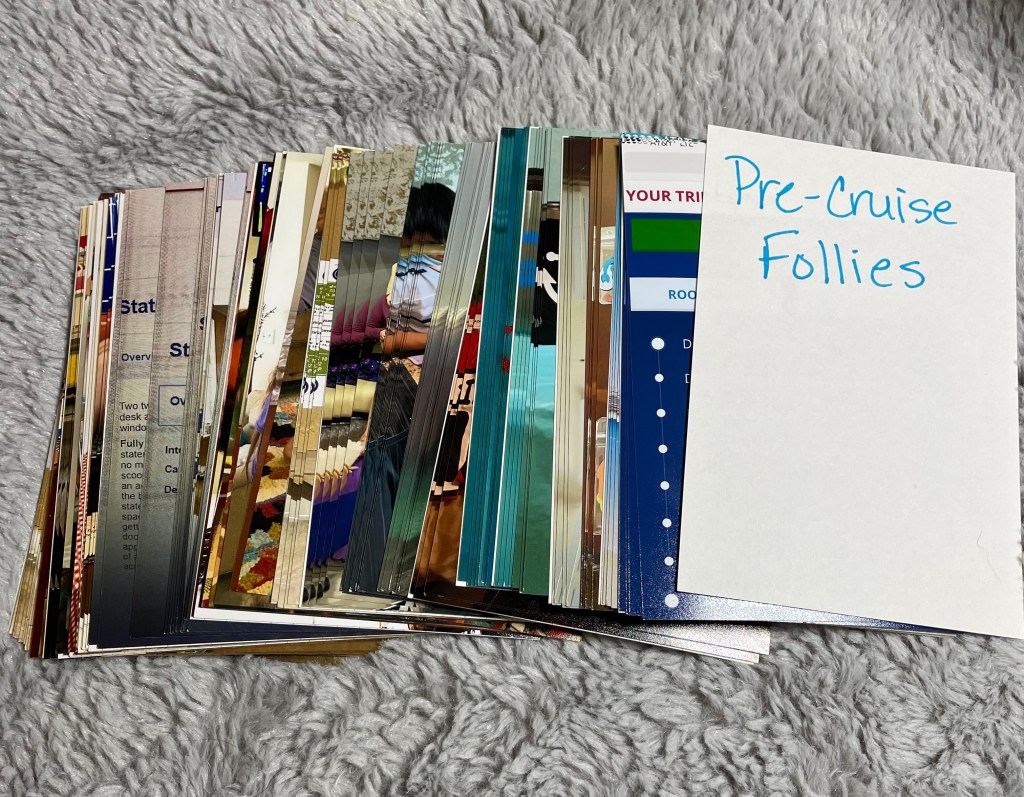
When I started this project, the photos were in the boxes we received them in from Shutterfly. I had already gone through all the photos to determine which area they should be in. And by area, I mean pre-cruise, travel day, embarkation day, and so on. This was a good start, but, obviously, still had a long way to go.
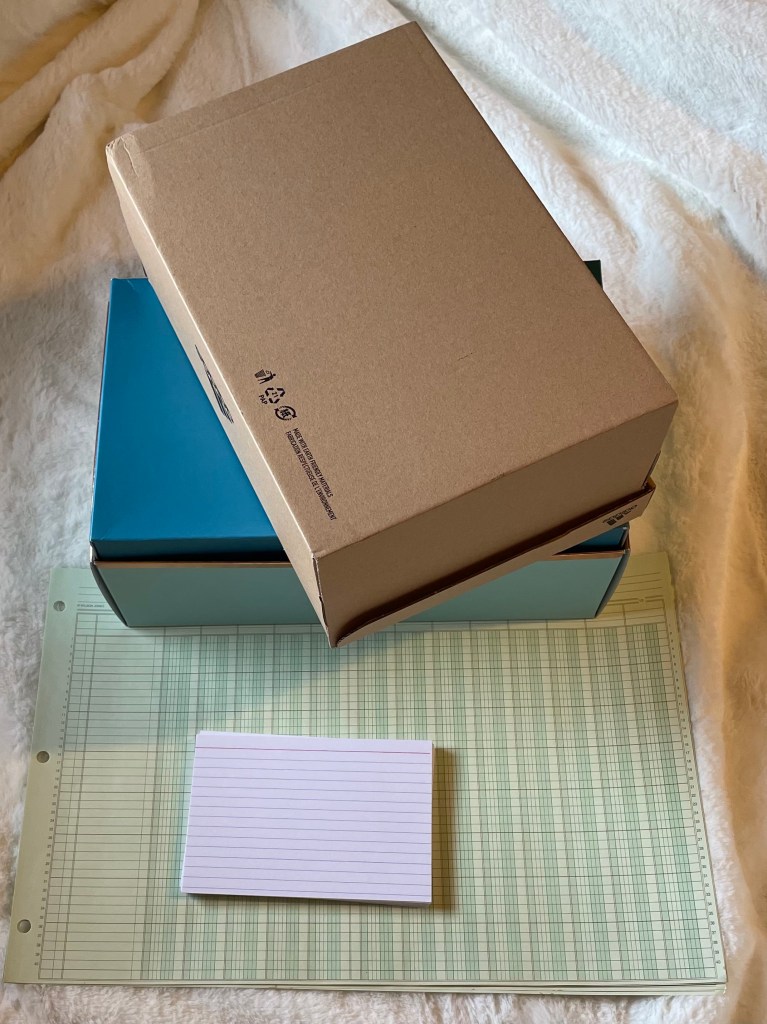
To begin the next part of my project, I would need index cards, a columnar pad, and photo boxes. Unfortunately, I did not have any photo boxes on hand, at least none that I could find. So I suppose shoe boxes will have to work, at least temporarily.
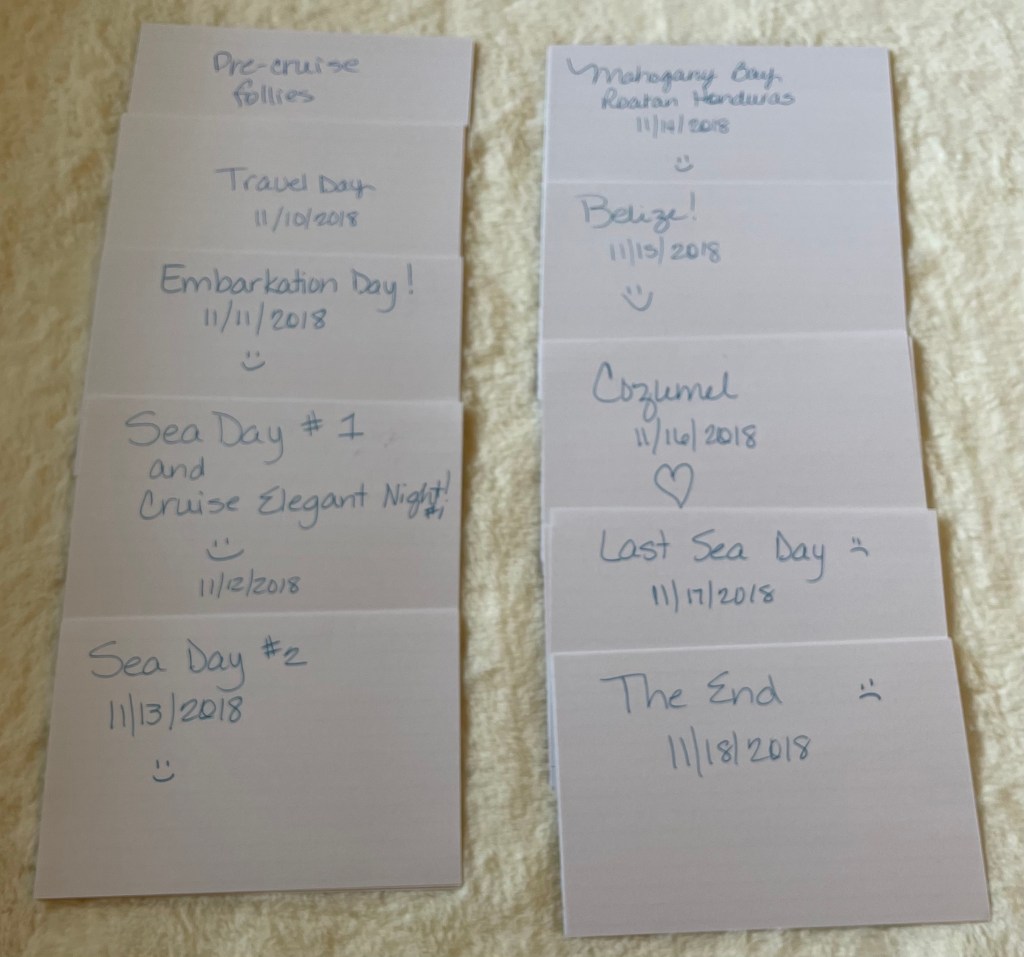
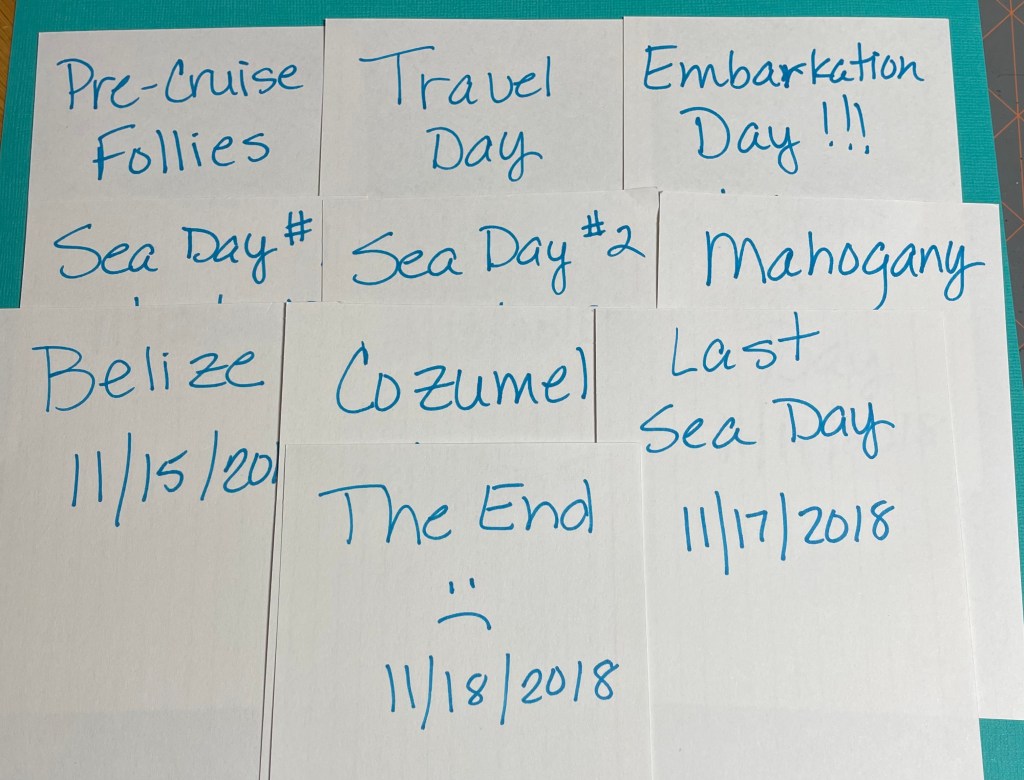
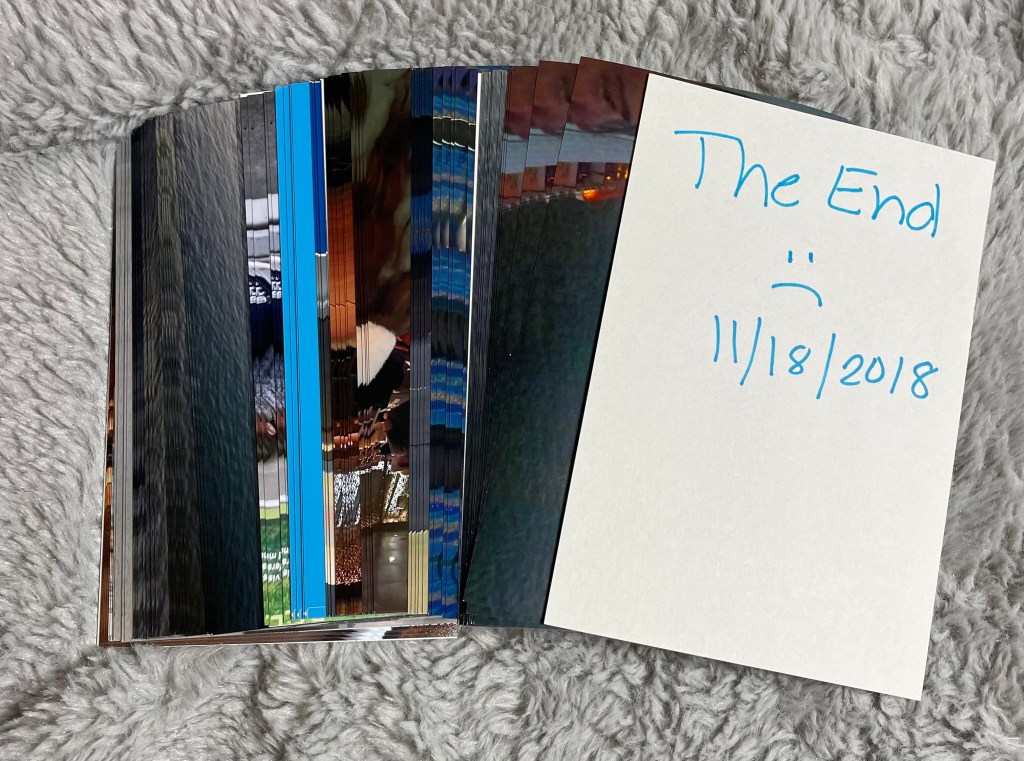
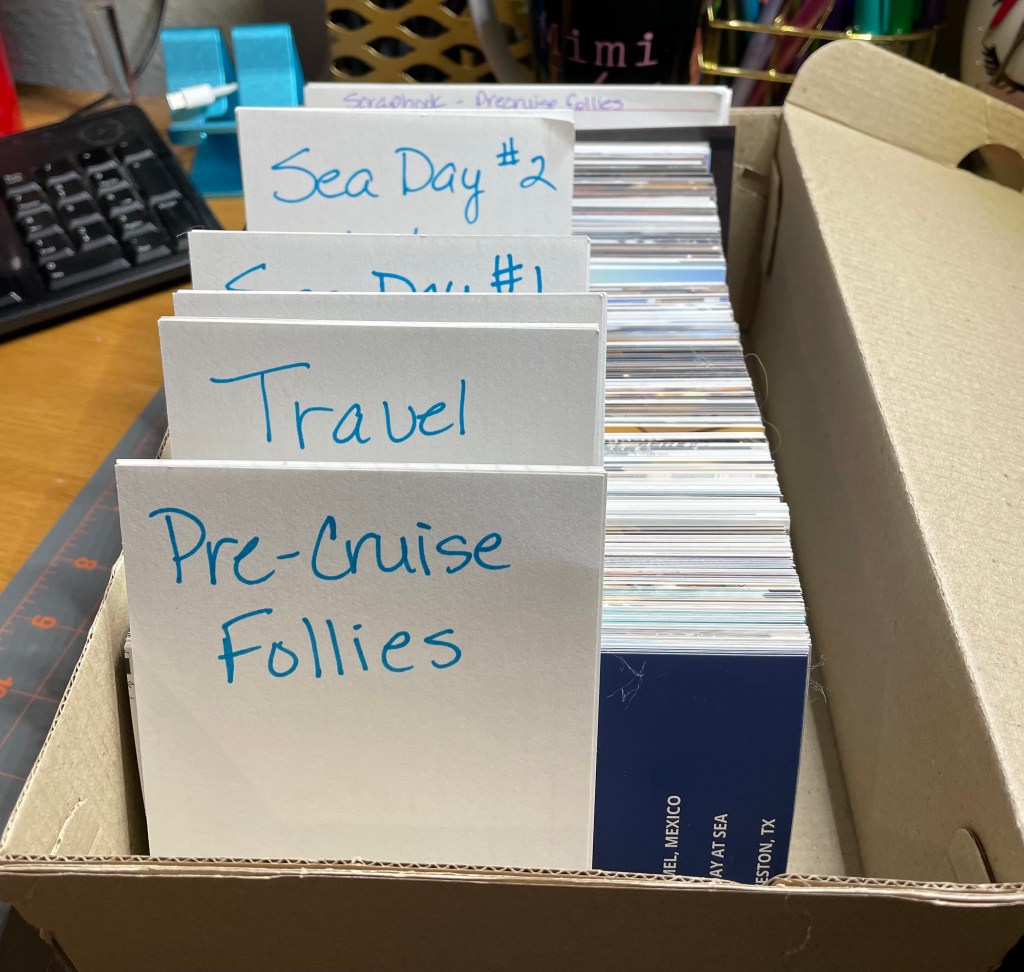
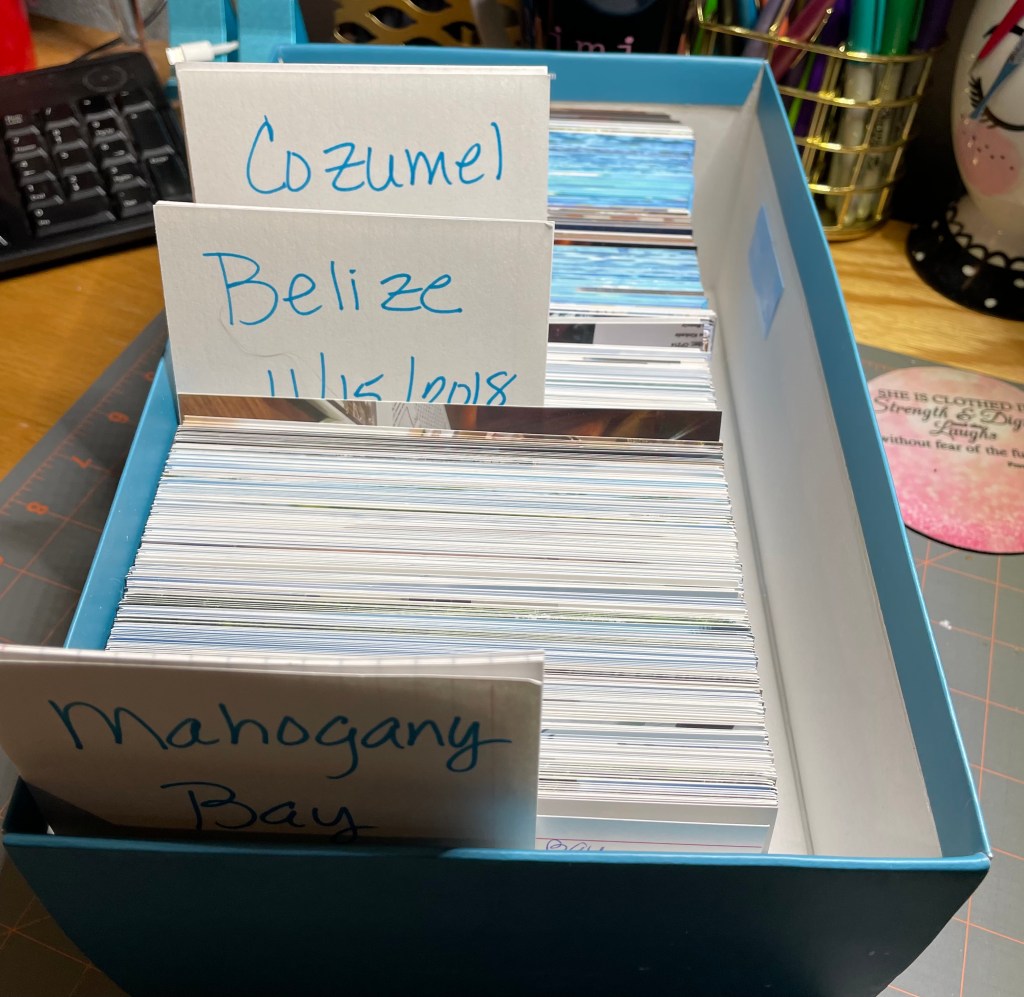
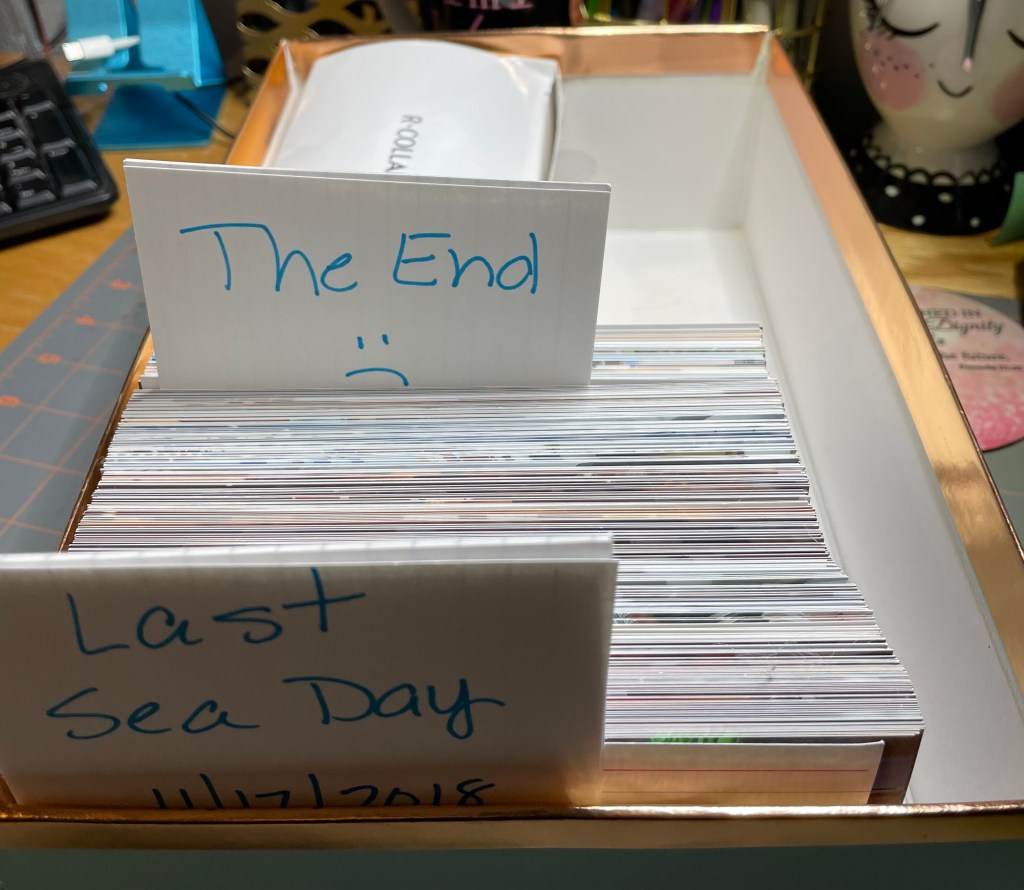
I knew I would need to divide the photos by section, so I made some dividers to use to separate the photos I would be storing in old shoe boxes. Apparently I did not plan well enough to have photo boxes on hand. Either that or I’m just blind and they are right in front of my face! So, I first made dividers to use in the photo albums for each section with the sections being: Precruise Follies, Travel Day, Embarkation, Sea Day #1, Sea Day #2, Mahogany Bay, Belize, Cozumel, Sea Day #3, and The End. I also made some dividers to divide the photos into sections. And then I made some divider cards to use within each section. One for photos chosen for possible scrapbook page and one for the photos that will go in the photo album.

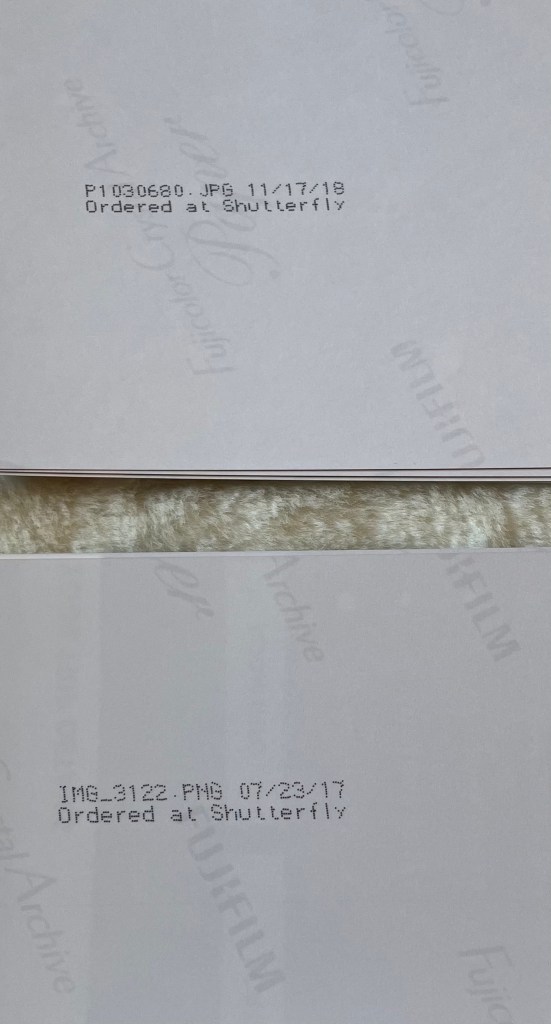
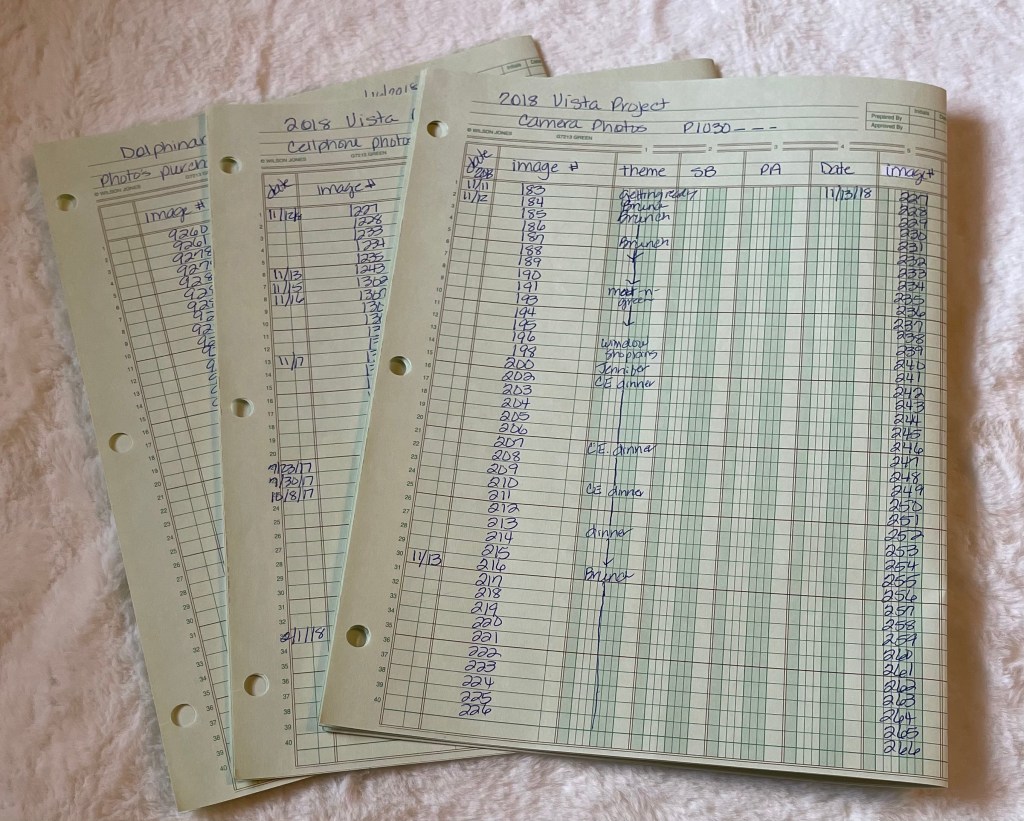
The next thing I did was to sort the photos by the date, if printed on the back of the photo, and image number found on the back of the photo. The image number from the cell phones are different from the ones we took from our camera. Cell phone photos start with IMG_ while our camera photos start with P. Once they were all sorted, a made 3 separate image lists: one for cell phone photos, one for camera photos, and one for the photos we purchased from our excursion to Dolphinaris in Cozumel.
The only think left to do was to put the photos in the shoe boxes and start to decide which ones belong in which sub-category. But that will be in the next installment… maybe.
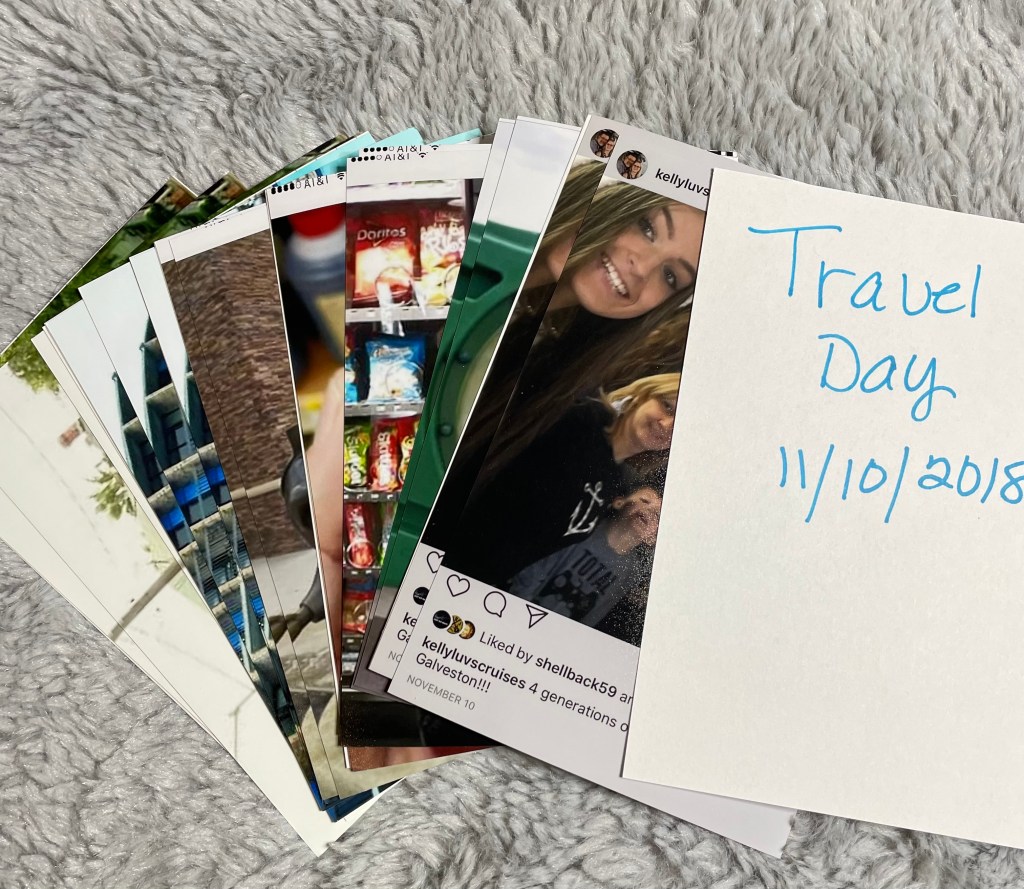
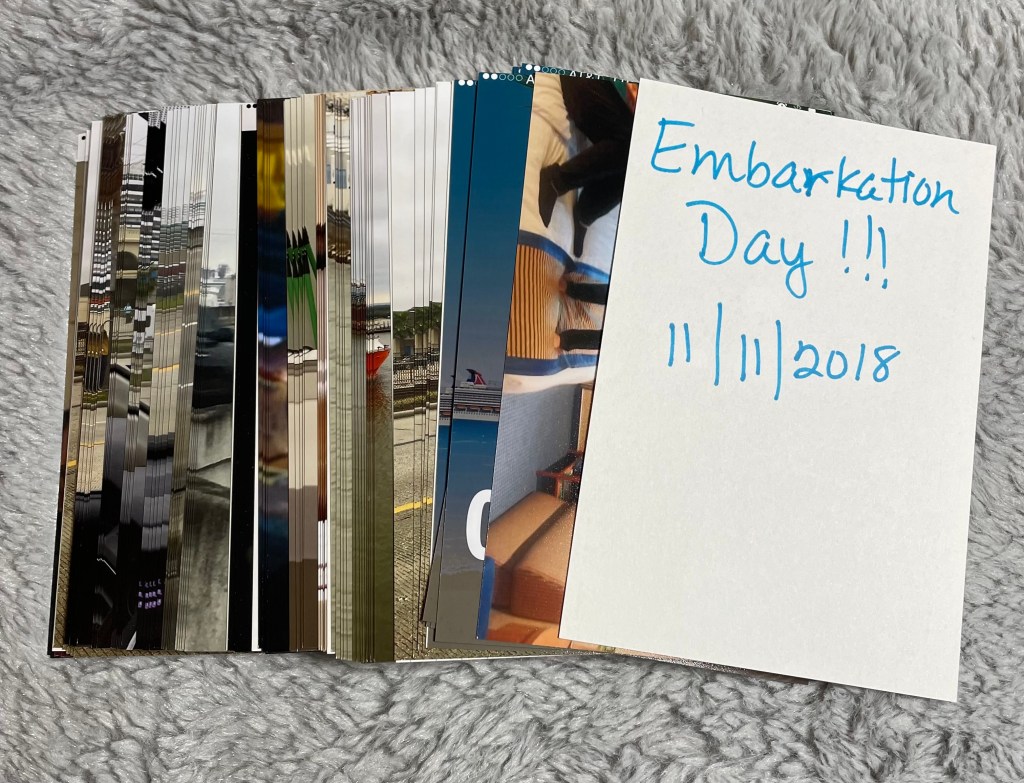
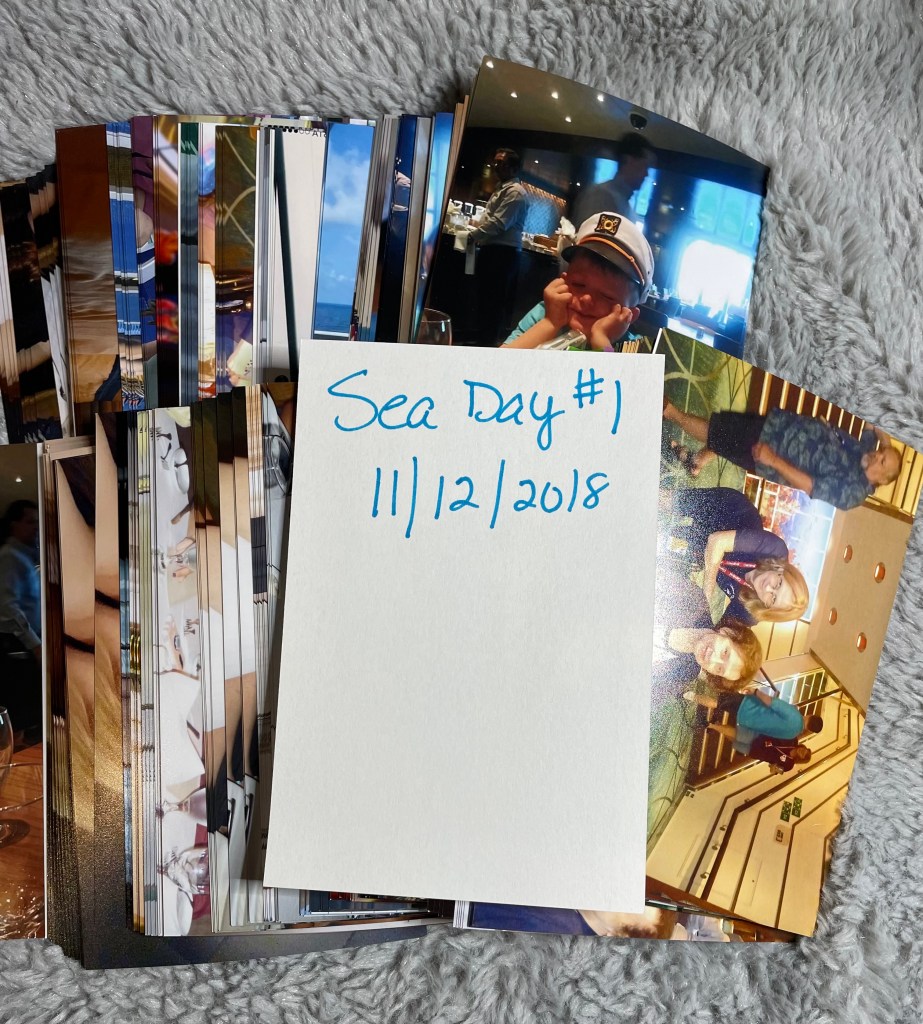
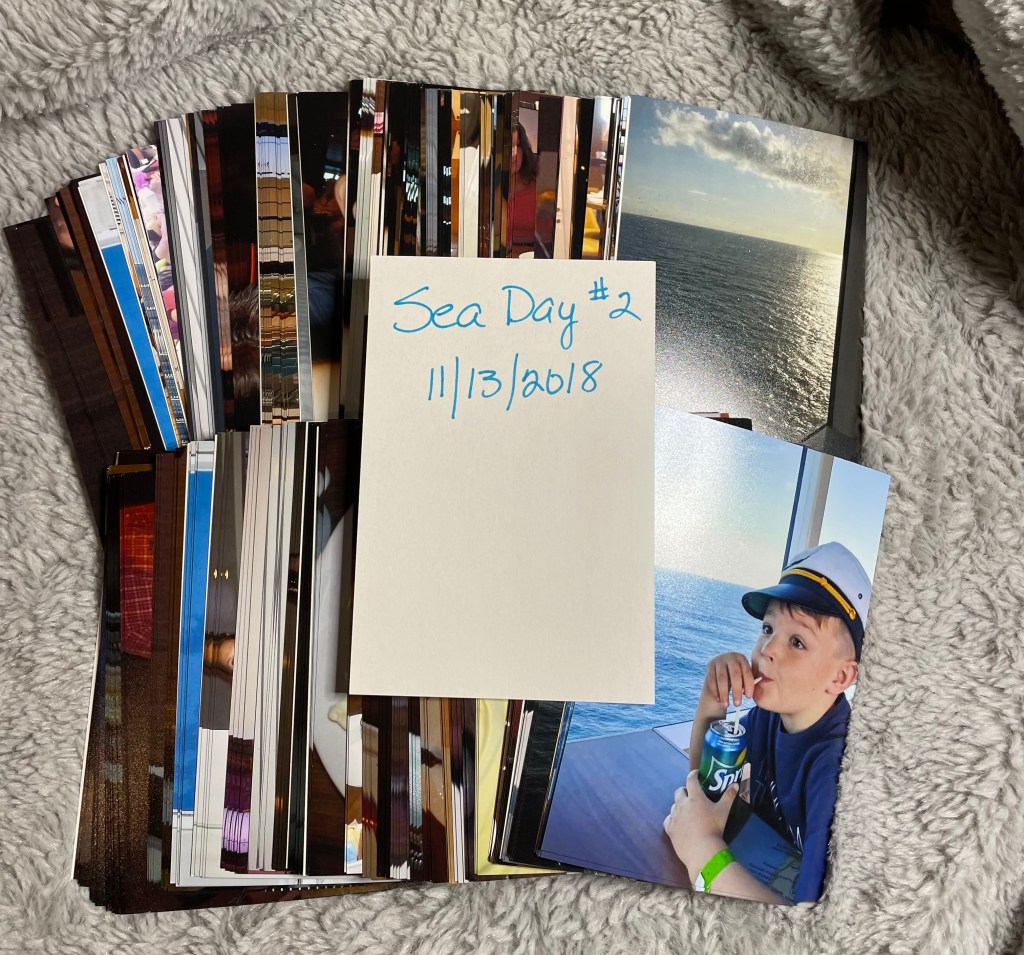
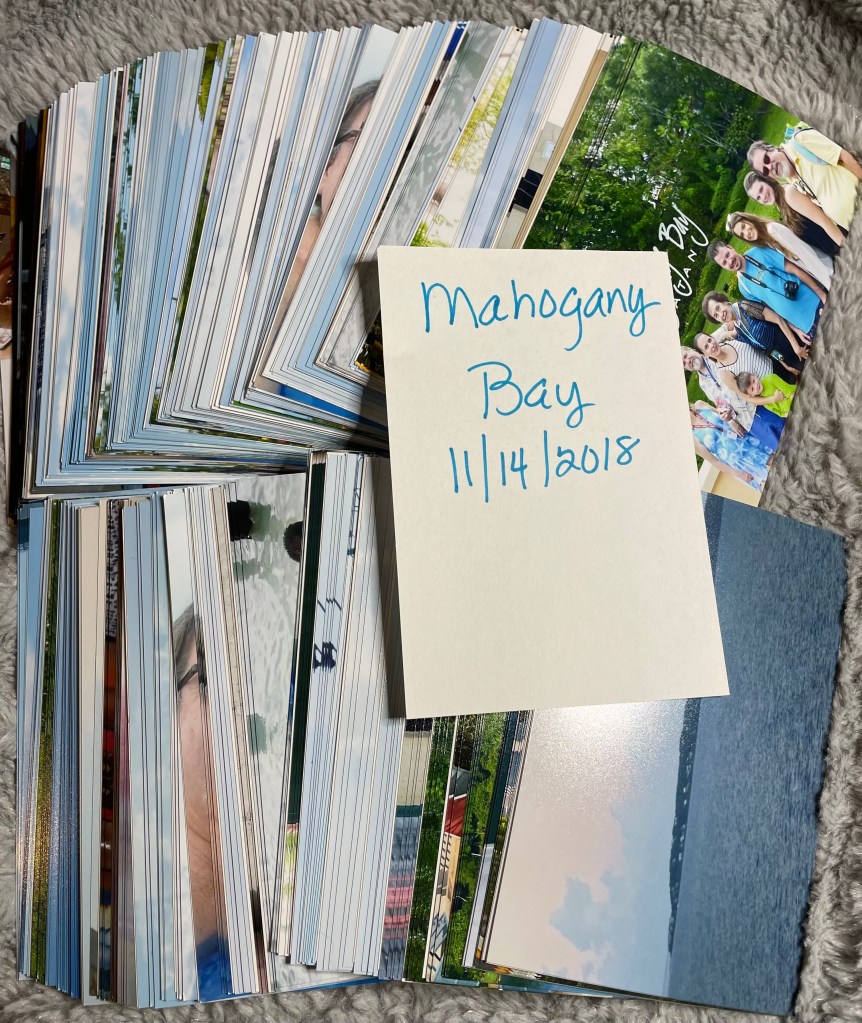
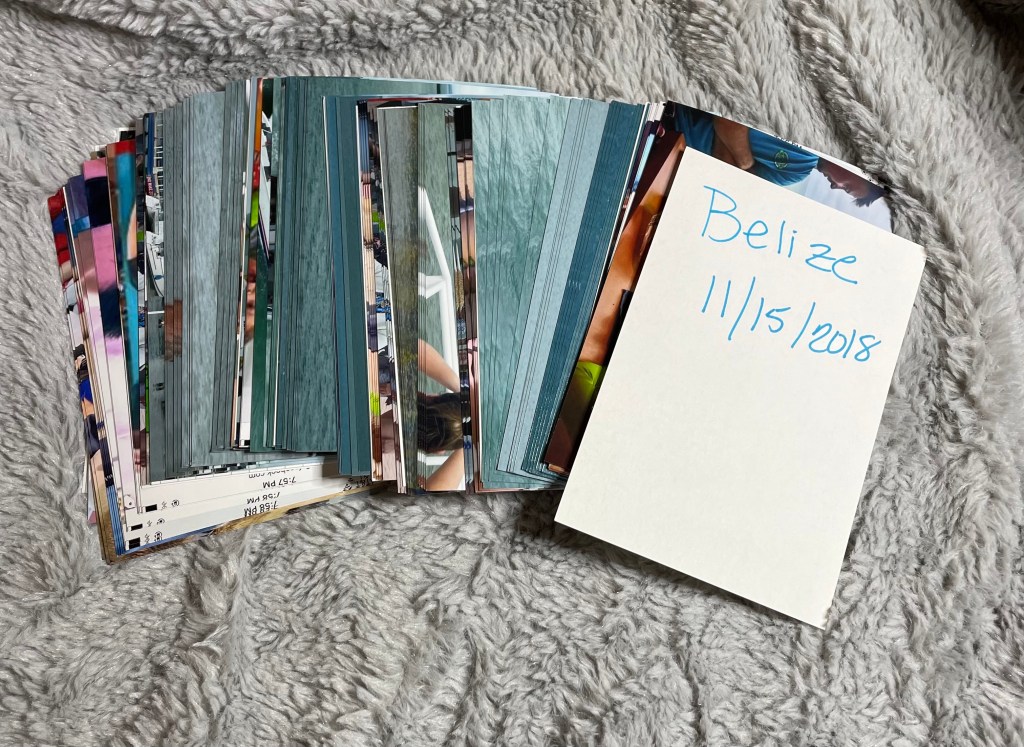
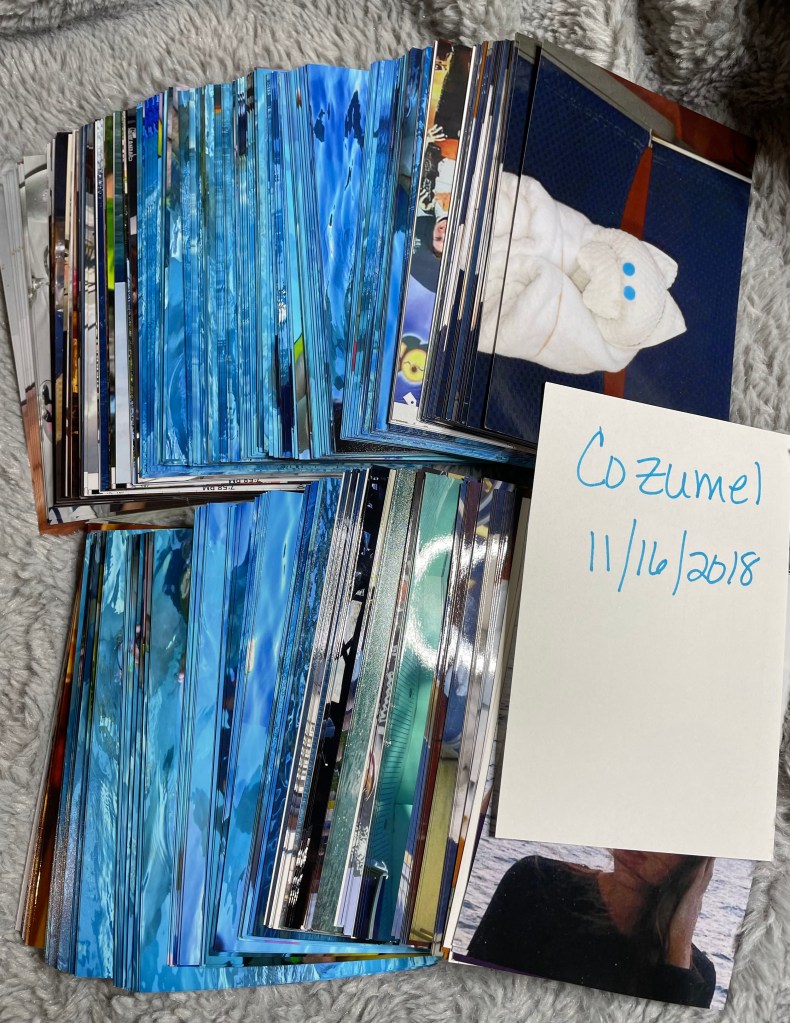
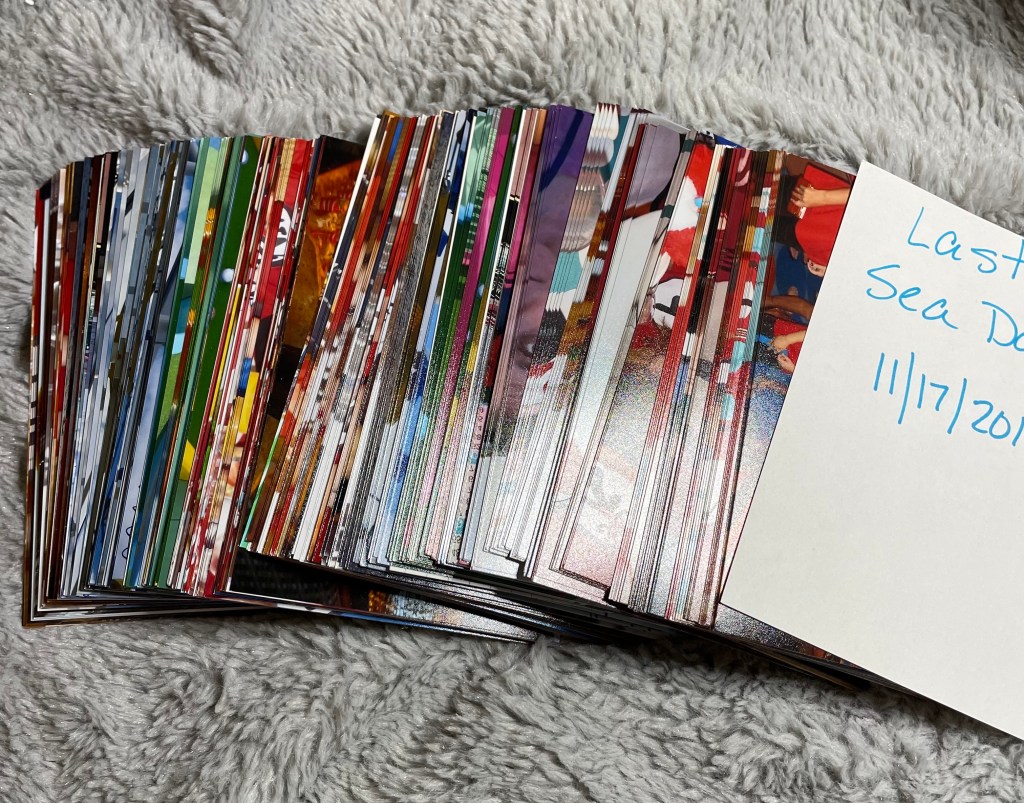
This has been a very time consuming process, but one that I think will be beneficial. Why? Since dementia runs in the family, I will have written documentation of who was on the trip with us. I know this will be very beneficial for my mom!

 our life reality